One workspace for the whole wedding.
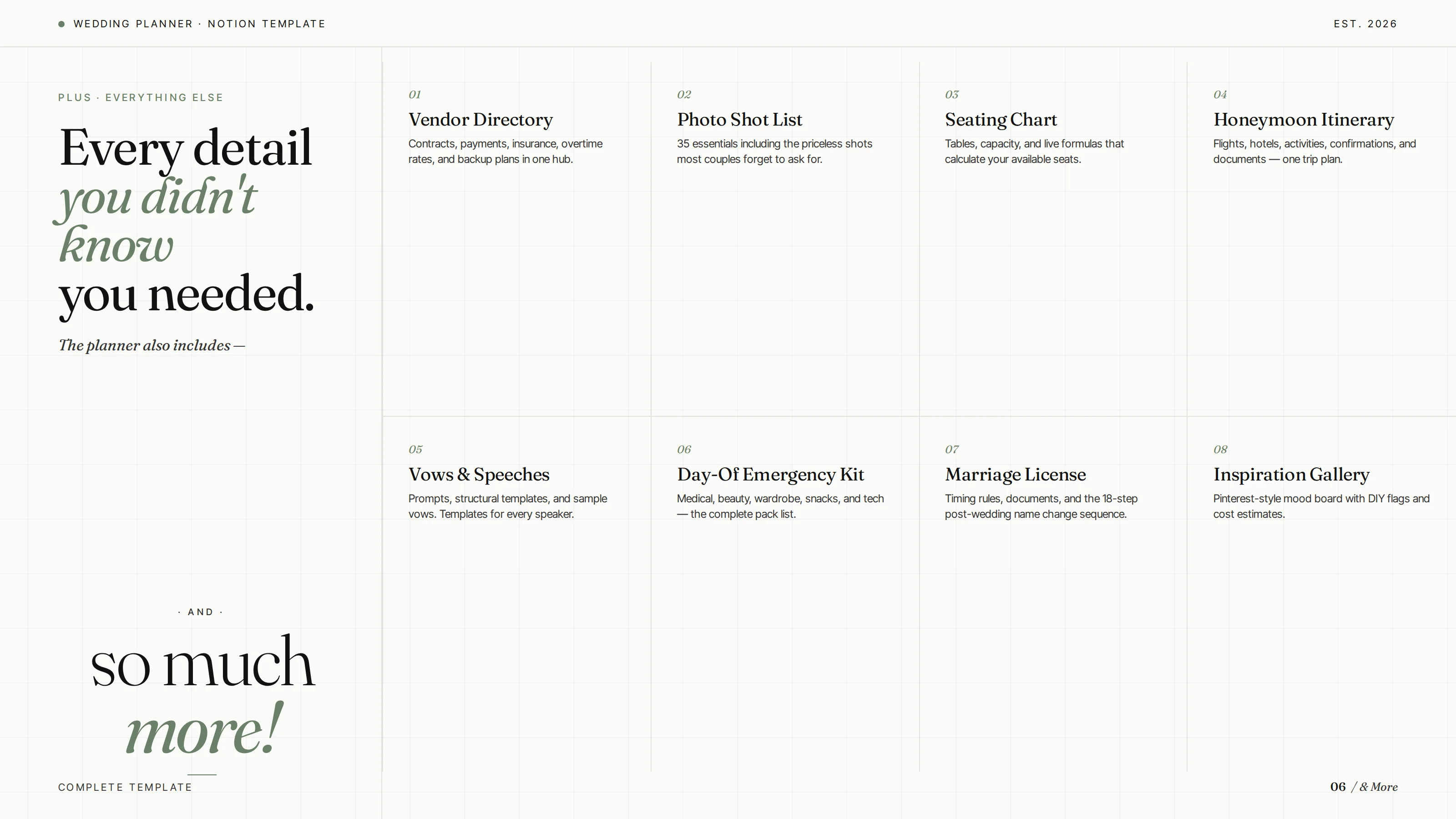
Guest list, budget tracker, vendor manager, day-of timeline, and seating chart — all in a single Notion workspace you can share with your partner, your planner, or your future mother-in-law. Stop juggling six different apps. Stop losing the spreadsheet.
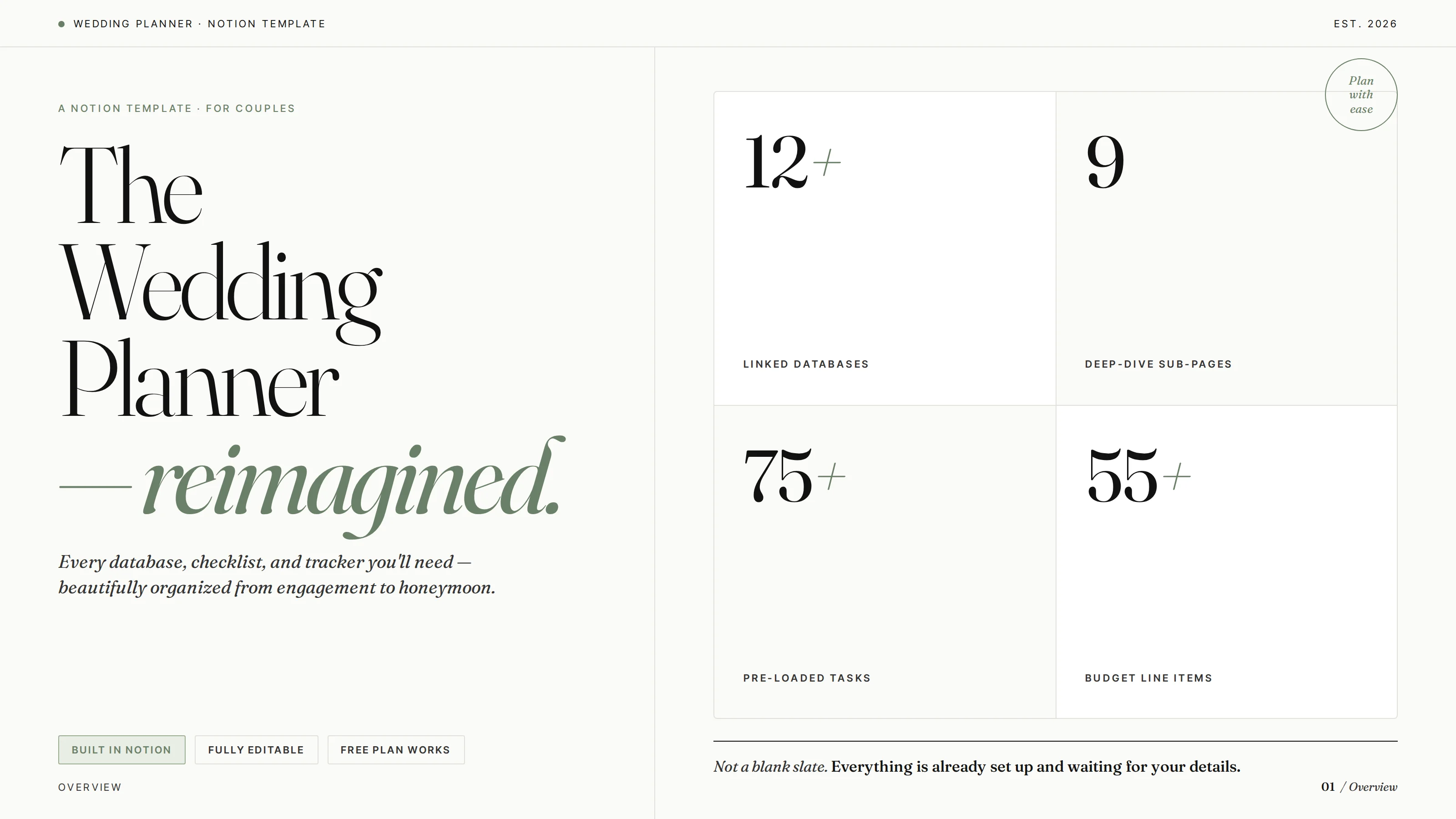
Every part of the day, in one place.
Five connected views that share the same data — update once, see it everywhere.
Guest list
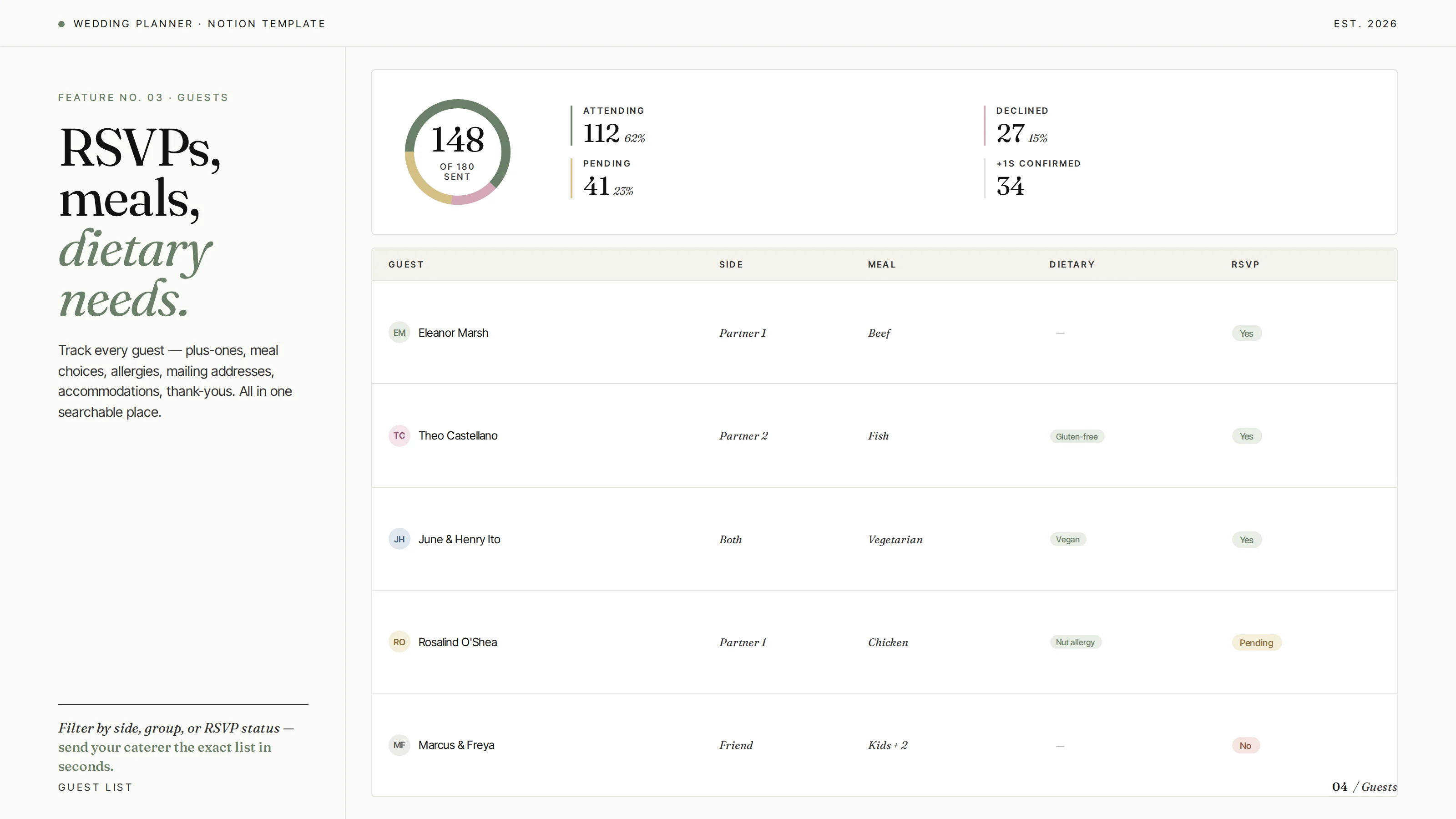
RSVPs, meal preferences, plus-ones, and contact info. Filter by side, table, or status with a single click.
Budget tracker
Set the total, allocate by category, log every payment. See what's spent, what's owed, and what's left in real time.
Vendor manager
Florist, photographer, caterer, DJ — keep contracts, contacts, deposit dates, and notes for everyone in one shared rolodex.
Day-of timeline
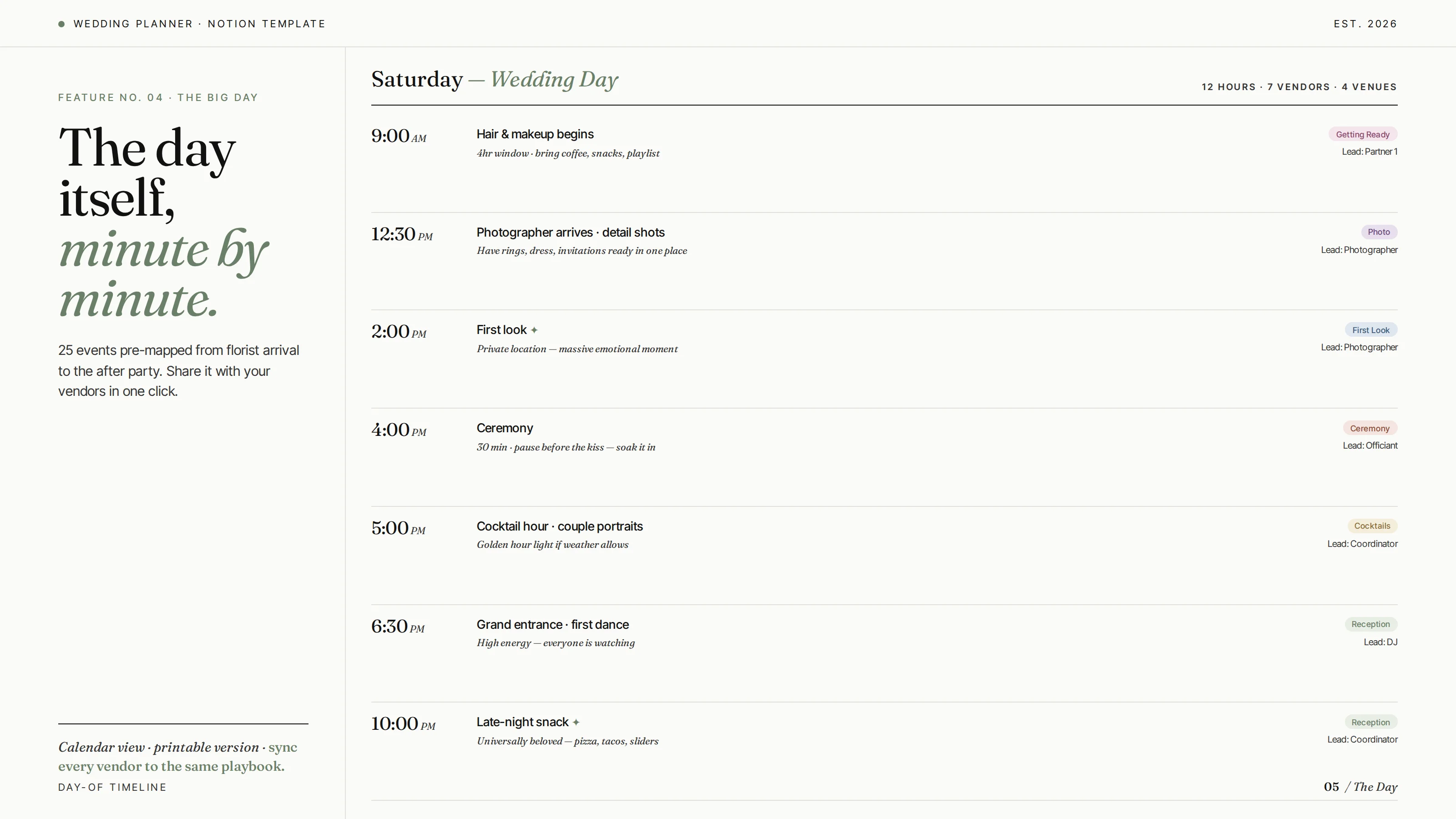
A minute-by-minute schedule for the day — getting ready, ceremony, reception, send-off. Share the read-only view with your wedding party.
Seating chart
Drag guests to tables. See who's where, balance sides, and never seat your aunt next to her ex-husband.
Master checklist
The 12-month wedding checklist, broken down by month — what to book, what to confirm, what to finalize.
From "we're engaged" to "we did it."
You don't need to be a Notion power user. If you can duplicate a page, you can use this.
Duplicate the template
Click the duplicate link after purchase and the full planner lands in your Notion workspace in one tap.
Invite your partner
Share the workspace with your partner or planner so you're both editing the same guest list and budget — no more "wait, did you book the florist?"
Plan, track, breathe
Add guests, log payments, check off the master list. Everything updates everywhere. You stay sane.
A look inside.
The dashboard, guest list, and budget tracker — built to be calm and pretty, not overwhelming.
Get the planner today.
One-time payment. Lifetime access. Share with your partner, planner, or family.